A better process beats a better product
Customers can't judge your work before they hire you. They judge how fast you answer and whether you follow up. So do those the same way, every time.
→

Explainer
WhatsApp for business won't let you open a chat in your own words. Let the customer write first, answer within a day, and keep a few approved messages ready.

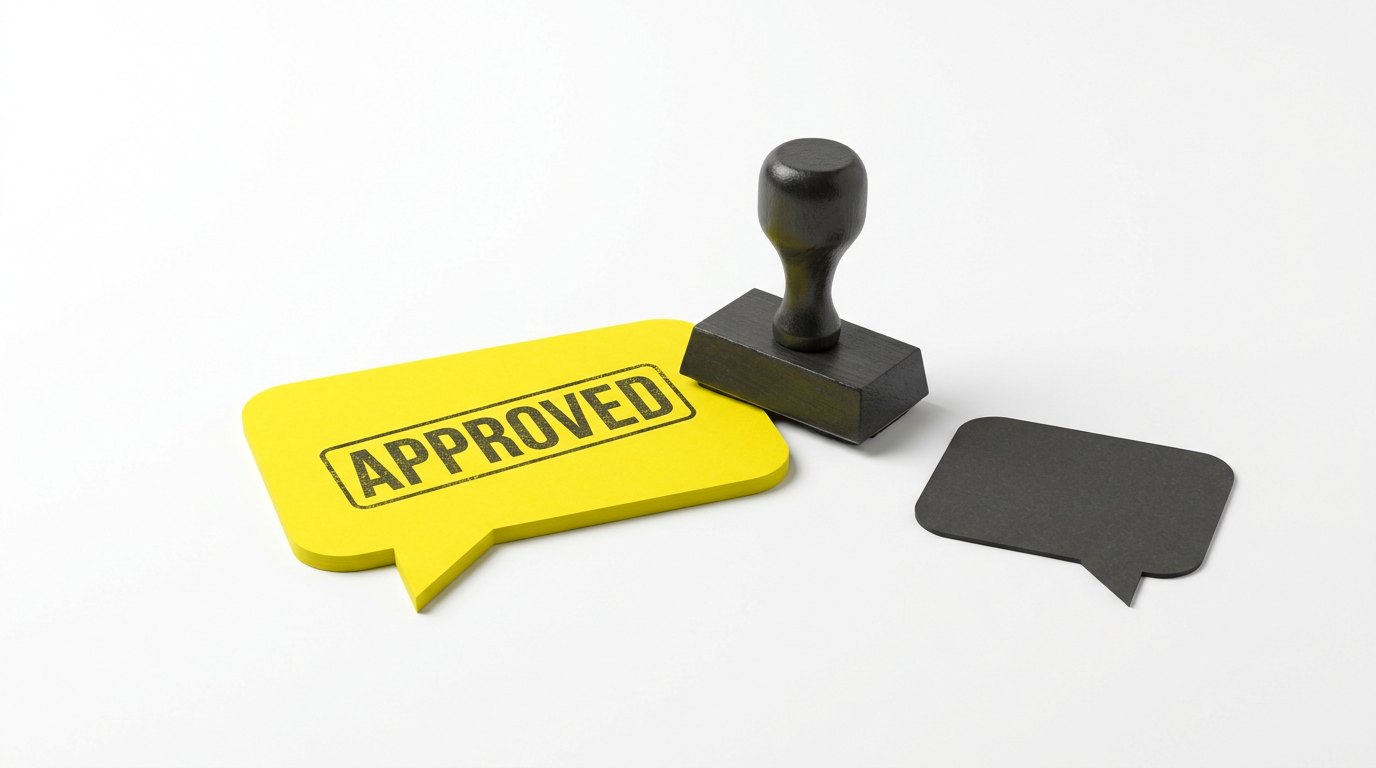
The first message is approved. Then the customer can answer.
Most owners expect WhatsApp for business to work like the app on their phone. Open a chat, type, and send it to any customer, any time. The WhatsApp Business API doesn’t work that way. That’s the paid version. It sends from a system instead of one phone.
We hear this one often on sales calls. Can I just message my customers? Not first, and not in your own words. Meta, the company that owns WhatsApp, sets that rule. We don’t. Find out late, and you find out on the day a reminder won’t send.
Because Meta checks the first message before a business can send it. It’s how WhatsApp keeps spam out. The customer also has to have said yes to hearing from you on WhatsApp.
Once the customer writes to you, the rule relaxes. A 24-hour window opens. Inside it, you reply in your own words, like any chat. Each new message from them starts the 24 hours again. A WhatsApp call from them opens it the same way.
One chat runs like this:
Meta’s rules, from its own policy and developer pages, October 2026. Meta can change them.
On WhatsApp, the customer opens the door. You have a day to walk through it.
Make it easy for customers to write first, and answer them fast. Then keep a few approved messages for the times you need to speak first.
An approved message is one you write ahead of time. Meta checks it, and calls it a template. It has blanks for the parts that change, like a name or a time. “Hi [name], your quote is ready. Any questions, reply here.” Once it’s approved, it can start a chat. It can also pick one up after the window closes.
One template can go to a whole list at once. Each customer still gets a message with their own name in it:
Example wording. The same works for invoices and quotes.
So you can send in bulk and still look professional. A template can also carry buttons, like “Book a time” or “Pay now”. One tap, and the customer is on the right page.
Write them before you need them. Start with the moments you speak first. A booking, a reminder, a quote, “your part is in”. Income Mavericks has AI that can help you write them. Describe the message in plain words, and it drafts the template. Meta charges for most messages a business sends. So each one should be worth sending.
The window also shows you something. A lead who writes on Monday and hears back on Wednesday is outside it. On WhatsApp, that’s what a lead going cold looks like.
In Income Mavericks, WhatsApp can be set up to work with the window:
This is how WhatsApp is meant to run. The customer starts, and you answer while they’re keen. The few messages you send first are ones Meta has already seen.
Customers can't judge your work before they hire you. They judge how fast you answer and whether you follow up. So do those the same way, every time.
→
Customers come back when something reminds them at the right time. Note when the next service is due, and send one short text a little before it.
→
You paid to win your past customers once. They know your work, and you have their number. A short, plain text asks them back.
→
Rather talk than read
Tell us what is breaking and we will tell you what it would take to stop it.