Someone else may control your Google Business Profile
The Google listing that brings your calls is often owned by someone outside the business. You find out the day you need to change it. Five minutes now settles it.
→

Note
If your customers are saved on your staff's phones, the list leaves when they do. Start from your invoices, and keep one list the business owns.

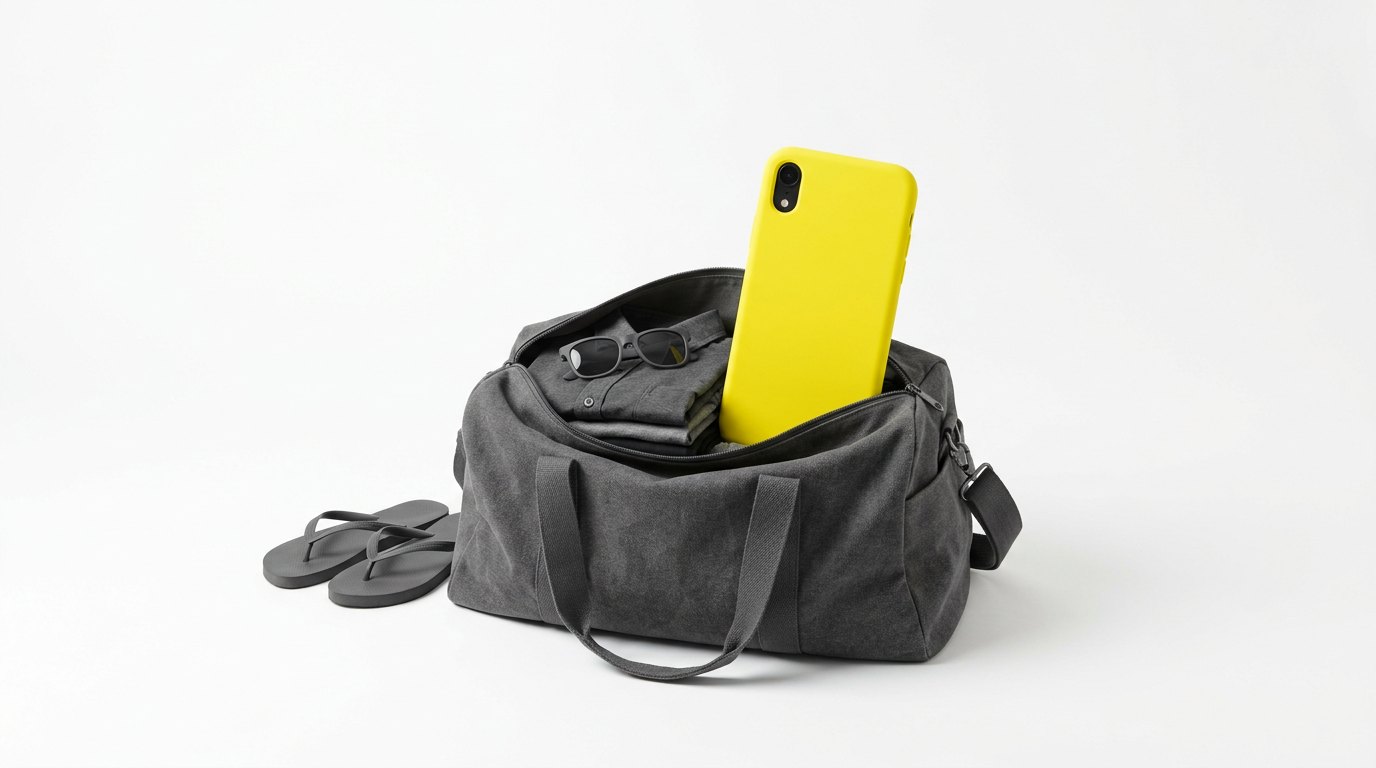
The phone is packed. So is your customer list.
Your tech is on vacation this week. Before he left, he booked a gutter repair on Elm Street for Friday. Now Friday’s crew is short, and you need to move the job. The customer’s number is on his phone, saved as “Gutter guy Elm St.” He isn’t answering. He’s on vacation.
So the customer waits on Friday for a crew that isn’t coming. She did nothing wrong, and neither did your tech. The number was just in the wrong place. A small business doesn’t need a big customer database. It needs one list, and the business needs to own it.
For calling one person, yes. For running a business, no. A phone is built for one person’s calls. It falls short on five things a business needs from its customer list:
That last one hides the most work. The same name and number get typed twice, or three times. Then each copy drifts a little.
The chats on those phones are a separate problem. That’s where a handover loses the conversation. The list is the simpler fix, and it comes first.
You don’t have to start from nothing. Your customers are already written down somewhere. It might be your phone’s contact book, or your invoices. Your accounting software is often the best place to start. Every invoice there has a name and a number. Here’s where else an old customer list hides.
Bring those names into one list, once. After that, each new customer is saved once. That happens when they first call or fill in a form. Your team still calls from the phones they carry. The names just live in one place, and the business owns it.
If you spend money to bring customers in, this list is what that money bought. Keep it where you can reach it.
In Income Mavericks, one shared list can work like this:
It’s the same names, in one place, owned by the business. Then a week off is just a week off.
The Google listing that brings your calls is often owned by someone outside the business. You find out the day you need to change it. Five minutes now settles it.
→
Referral relationships die from silence, not from a bad deal. If you cannot say which partner sent which job, you cannot tell who to feed and who to stop chasing.
→
The worry is losing the personal touch. What actually happens is that the personal parts stop being forgotten.
→
Rather talk than read
Tell us what is breaking and we will tell you what it would take to stop it.