Quote to invoice: stop typing the price twice
Retyping a quote into an invoice is where small things go missing: a fee, the right price, the extra job. Make the invoice from the quote, and the bill matches what they agreed to.
→

Explainer
A late payment often isn't a refusal. The invoice got missed, or nobody knows it was paid. Email it, text that it's there, remind on set days, and stop the moment it's paid.

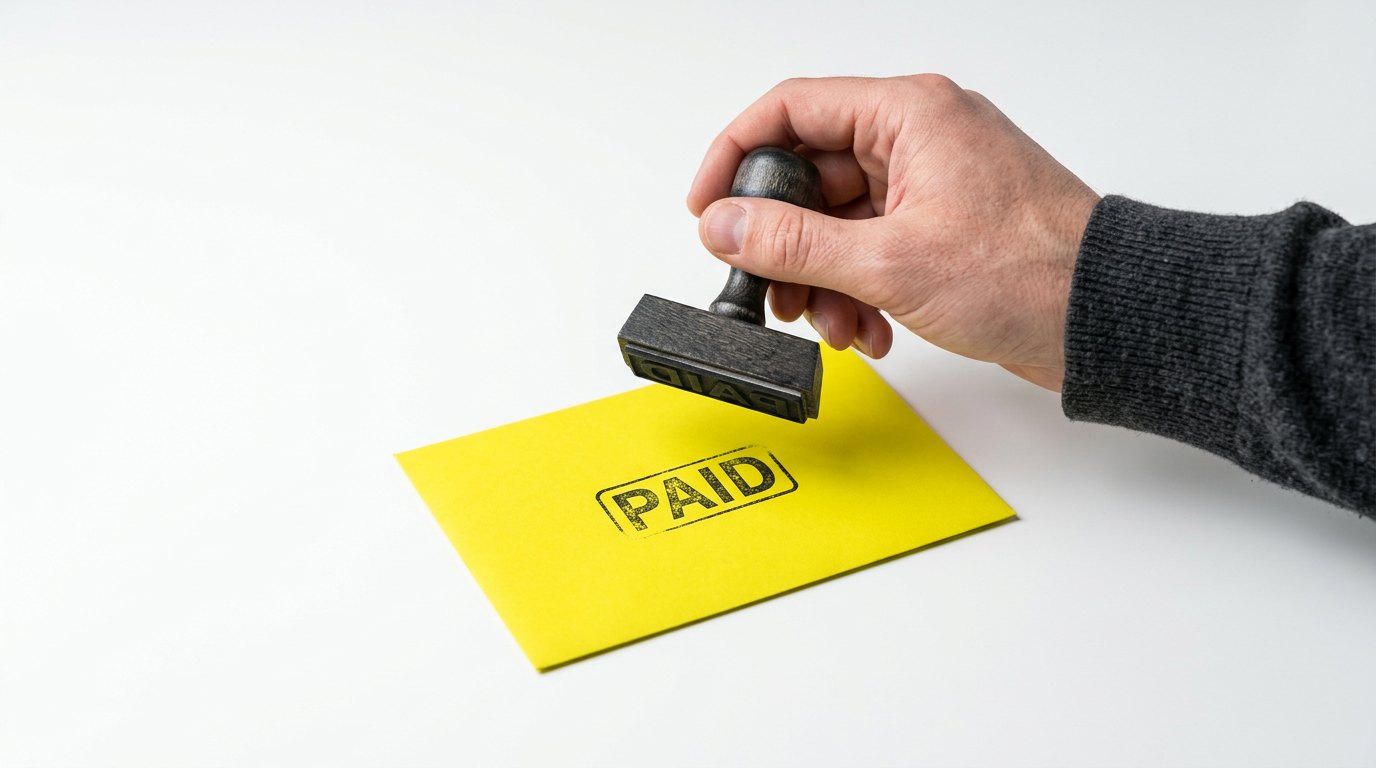
Marked paid. The reminders stop here.
Often, a late payment isn’t a customer refusing to pay. The invoice landed in spam. Or it got buried under ten other emails. Or it was paid, and nobody marked it.
That last one is the worst. The invoice still shows as open, so you’re not sure whether to chase. Asking someone who already paid feels worse than waiting, so nobody asks. So you hold off on the ones that really are late, and they get later.
Make the invoice hard to miss, easy to pay, and marked the moment it’s paid. Six steps cover it. Pick them once, and every job runs the same way.
Three steps get it paid:
Then three to close it off:
Example wording. Use your own.
Step 02 is the one people forget. Email is where invoices go, and it’s also where they get lost. A short text or WhatsApp message gets read, and it points them to the email. The same trick works on quotes: send the quote, then a short message that makes sure it gets opened.
A reminder should know the invoice is paid before it sends.
What’s owed, when it was due, and how to pay. Put the same pay link in every reminder. Keep it to three or four lines, and keep the tone calm. A reminder isn’t a telling-off. Assume they just haven’t gotten to it yet.
Here’s one. The name and amount are made up: “Hi Sam, your invoice for $640 was due on Friday. You can pay it here in a minute: [pay link]. Thanks, Dave.”
Notice what it leaves out: “ignore this if you’ve already paid.” You only need that line when the reminder can’t tell whether they’ve paid.
Many invoicing tools can send reminders for you, QuickBooks among them. But a reminder only stops once the invoice is recorded as paid. A bank transfer nobody has matched to it yet still gets one.
Everyone who might talk to that customer. The office, whoever books the next job, and whoever does the books. If the payment sits in one inbox, the rest of the team is guessing. That’s how a customer who paid gets asked twice, and how nobody knows what’s true.
If you use Income Mavericks, it’s on the customer’s profile. Their invoices and payments are right there, so everyone sees the same thing.
Nobody likes chasing money. Email it, text that it’s there, and remind on set days. Mark it paid where everyone can see, and the chasing mostly stops.
Retyping a quote into an invoice is where small things go missing: a fee, the right price, the extra job. Make the invoice from the quote, and the bill matches what they agreed to.
→
A virtual receptionist is a person. An AI receptionist is software. Most small businesses don't have to choose. Let the AI answer every call, and send the hard ones to a person.
→
In the US, a business text from an unregistered number is blocked before it reaches the phone. Registration fixes it. It asks who you are and what you send.
→
Rather talk than read
Tell us what is breaking and we will tell you what it would take to stop it.